Professional Interior Design Platform
Client-ready interior designs in minutes
Turn room photos, plans, and facades into client-ready concepts, BOQ clarity, and polished presentations from one workspace.
3D Tool
Ref Tool
2D to 3D Tool
Exterior Tool
Plot Layout Tool (Beta)
Product Detail Tool
AI render ready
BOQ matched
Studio Operations System
Turn approved designs into controlled execution
Move from proposal visuals to approval, BOQ, tasks, site updates, materials, supervisors, and reports without losing the client context that helped close the deal.
Present
Visuals, BOQ, and branded pitch assets.
Close
Turn approval into a live project.
Execute
Track tasks, site updates, materials, supervisors, and reports.
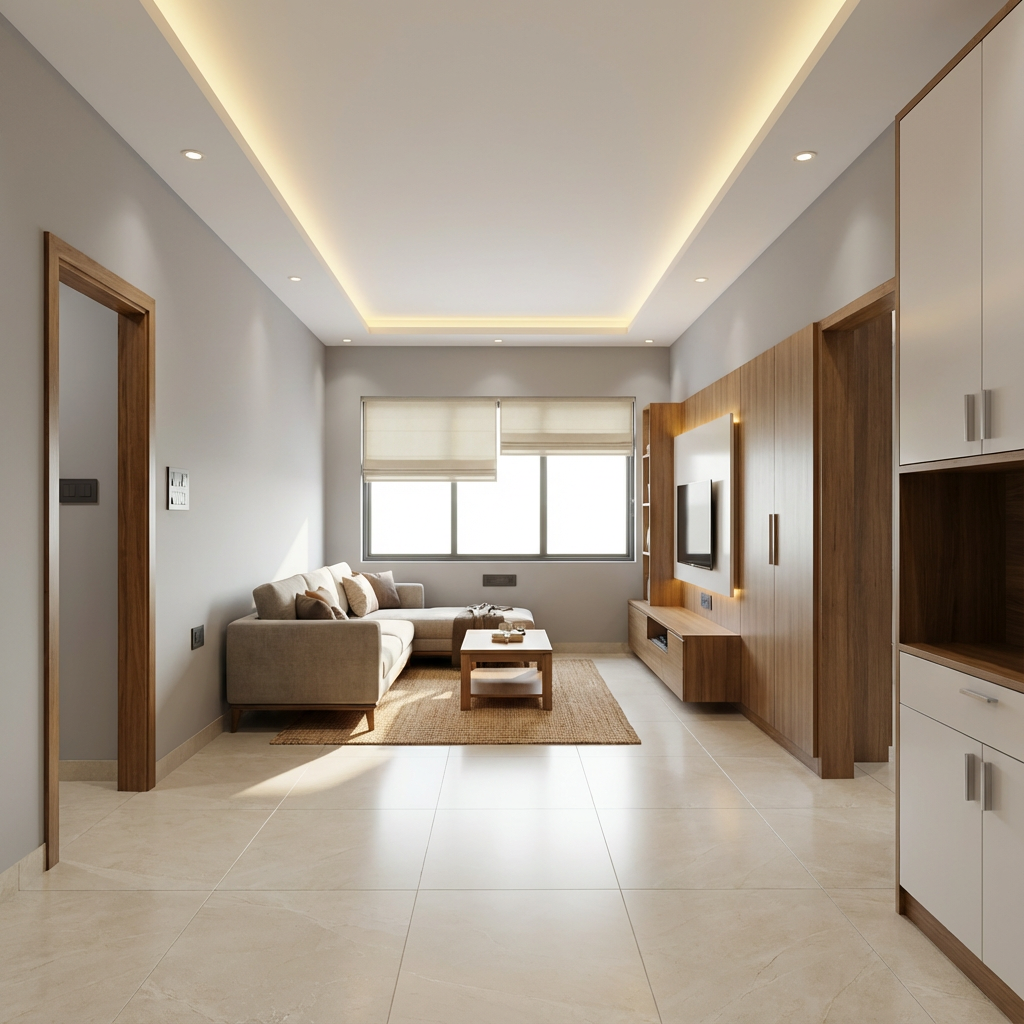
Before / After sample
More samples
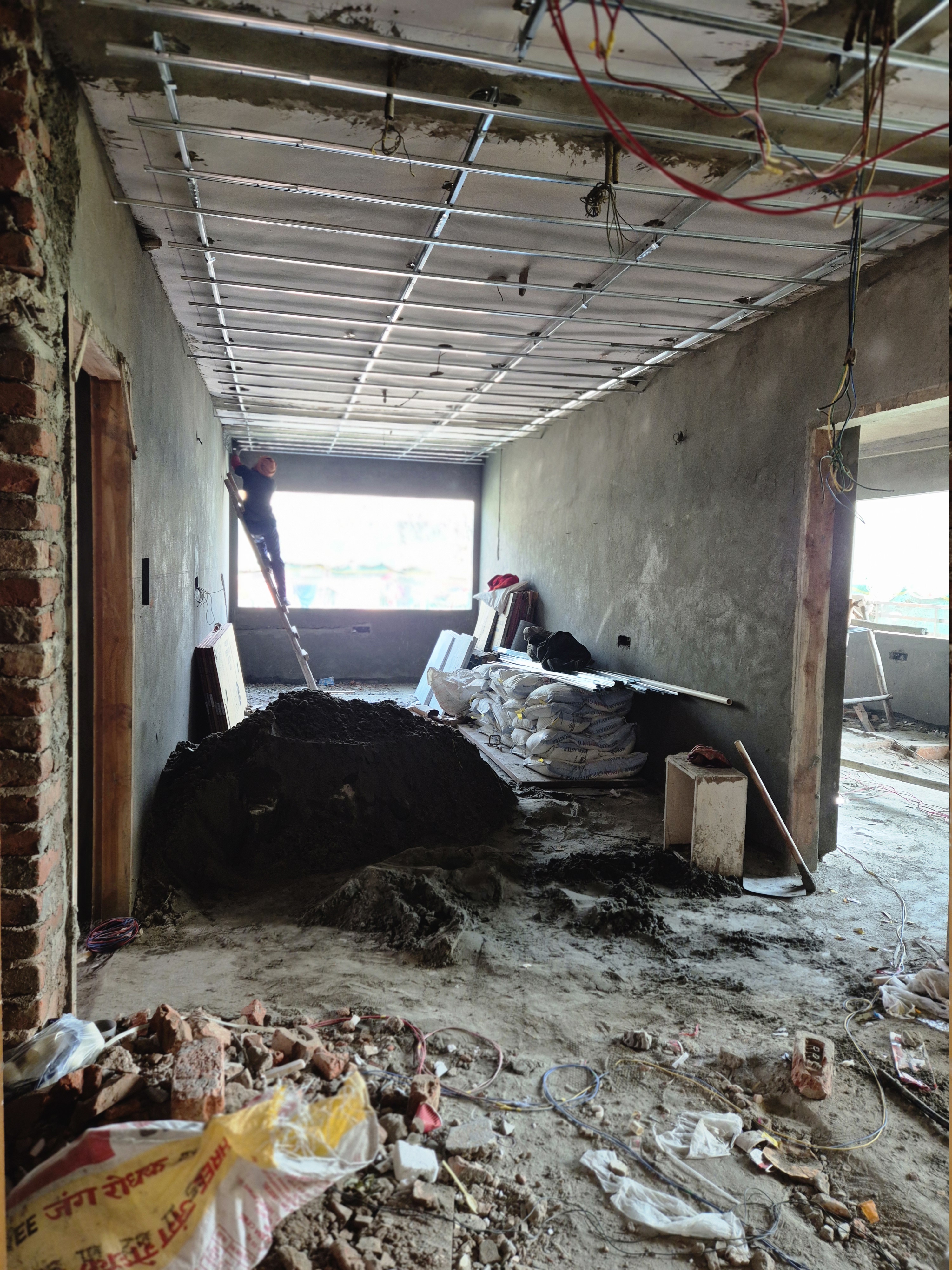
Before
After
Site photo
Innterio sample
Output
Ultra HD 3D renders
Speed
30–90 sec
Camera lock
Frame preserved
Made for
India homes
3D Tool
Generate a client-ready room redesign from one photo.
Ref Tool
Guide the result with moodboards, products, and references.
2D to 3D Tool
Turn plans into furnished concepts for quick layout discussions.
Exterior Tool
Create faster facade concepts for exterior proposals and upgrades.
Plot Layout Tool (Beta)
Generate concept layouts from plot size, rooms, and setbacks.
Product Detail Tool
Mark render items and create client-ready product specification sheets.
Best for
Designers, contractors, architects
What it adds
3 free refinements
Includes
4 tools + BOQ + presentations
Step 1
Upload a room photo, plan, or facade.
Step 2
Generate fast samples and refine direction.
Step 3
Save, cost, and present the approved concept.