From unfinished feeling to ready-to-approve
When the client can see warmth, layout, and finish direction clearly, the conversation becomes easier and more positive.
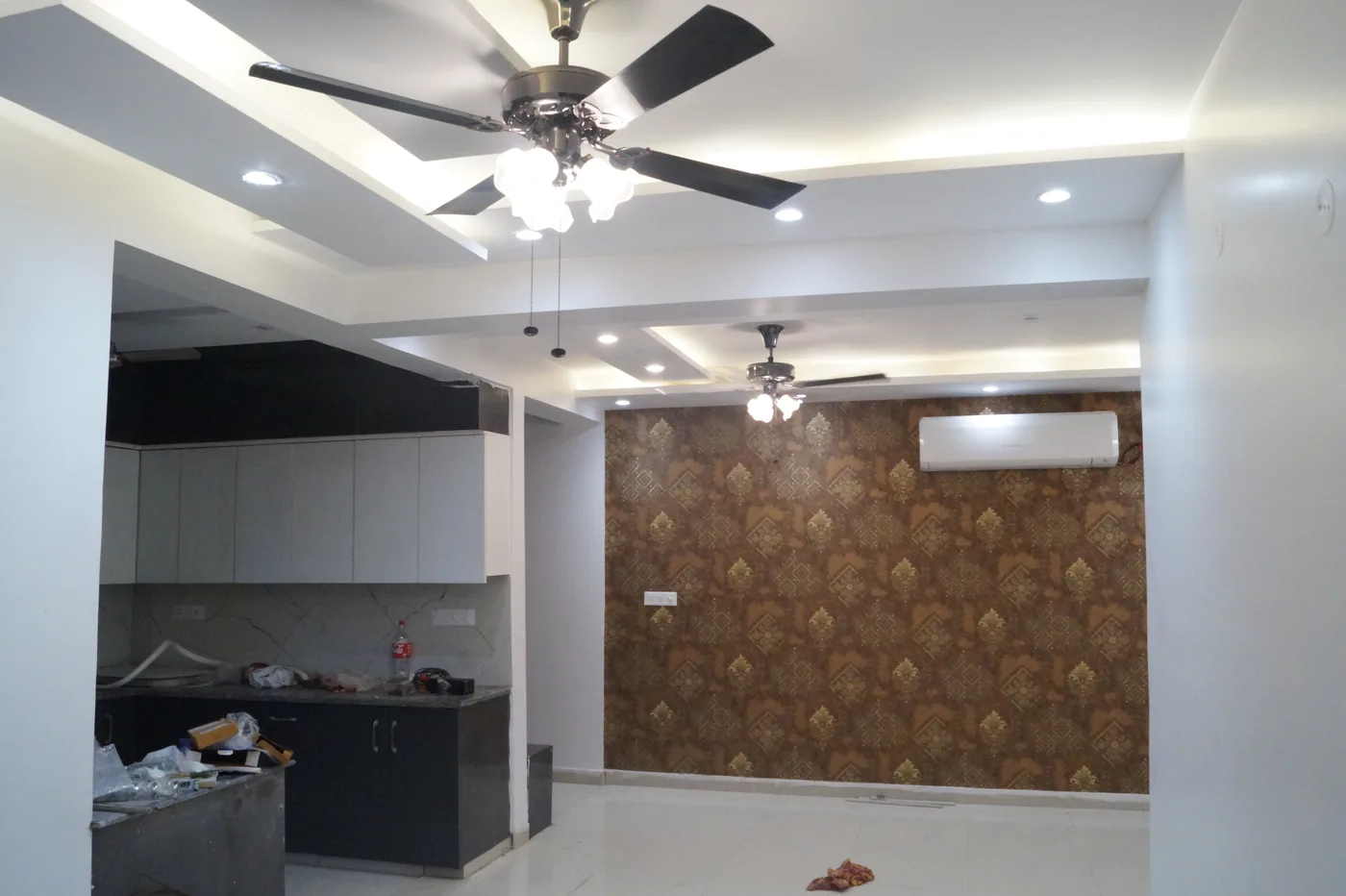
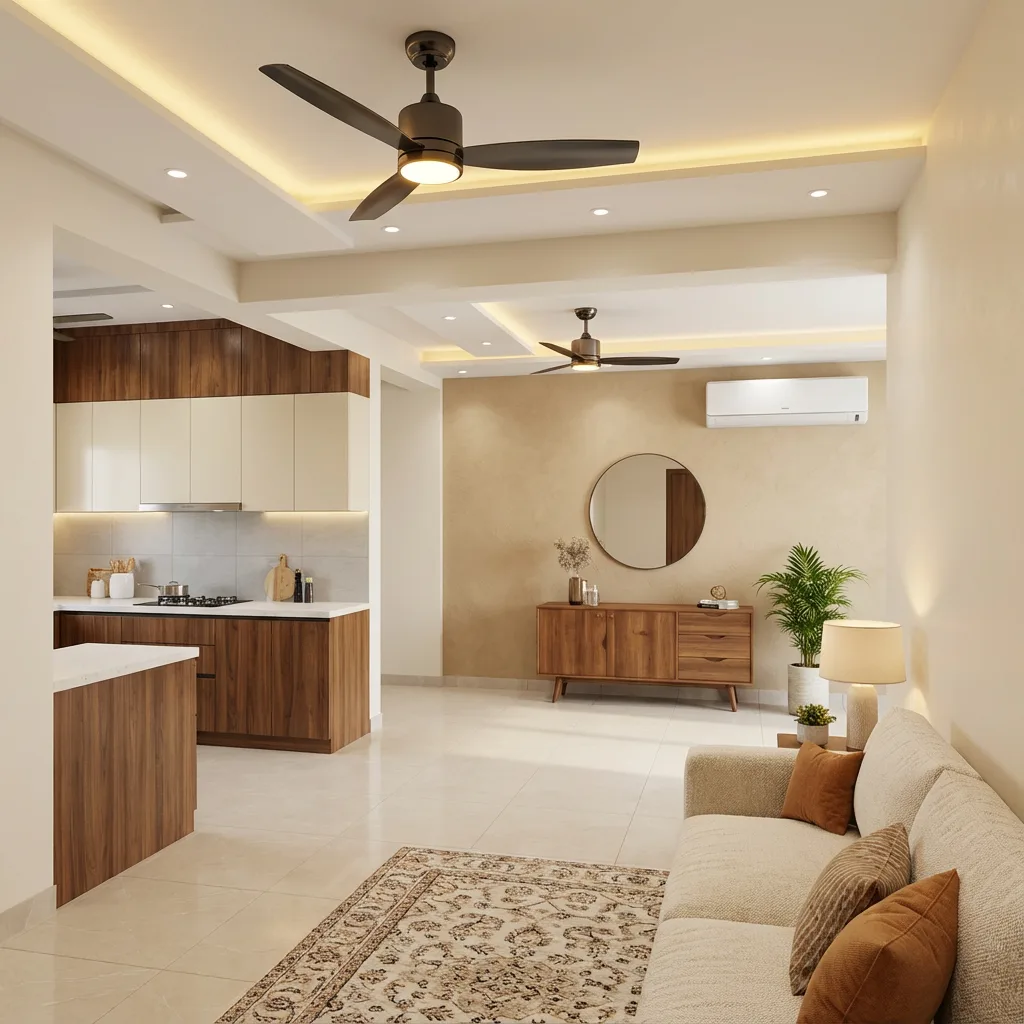
Before
After

Show clients a believable finished outcome, give them budget confidence, and present the project in a way that feels organized and premium from the first meeting itself.
Every strong proposal feels easier when the client can clearly see the result, trust the budget direction, and feel ready to move forward.
Move the slider and see how an ordinary site photo turns into something a client can understand, imagine, and emotionally connect with.
When the client can see warmth, layout, and finish direction clearly, the conversation becomes easier and more positive.
Even under-construction spaces become easier to sell when the final outcome feels real and believable.
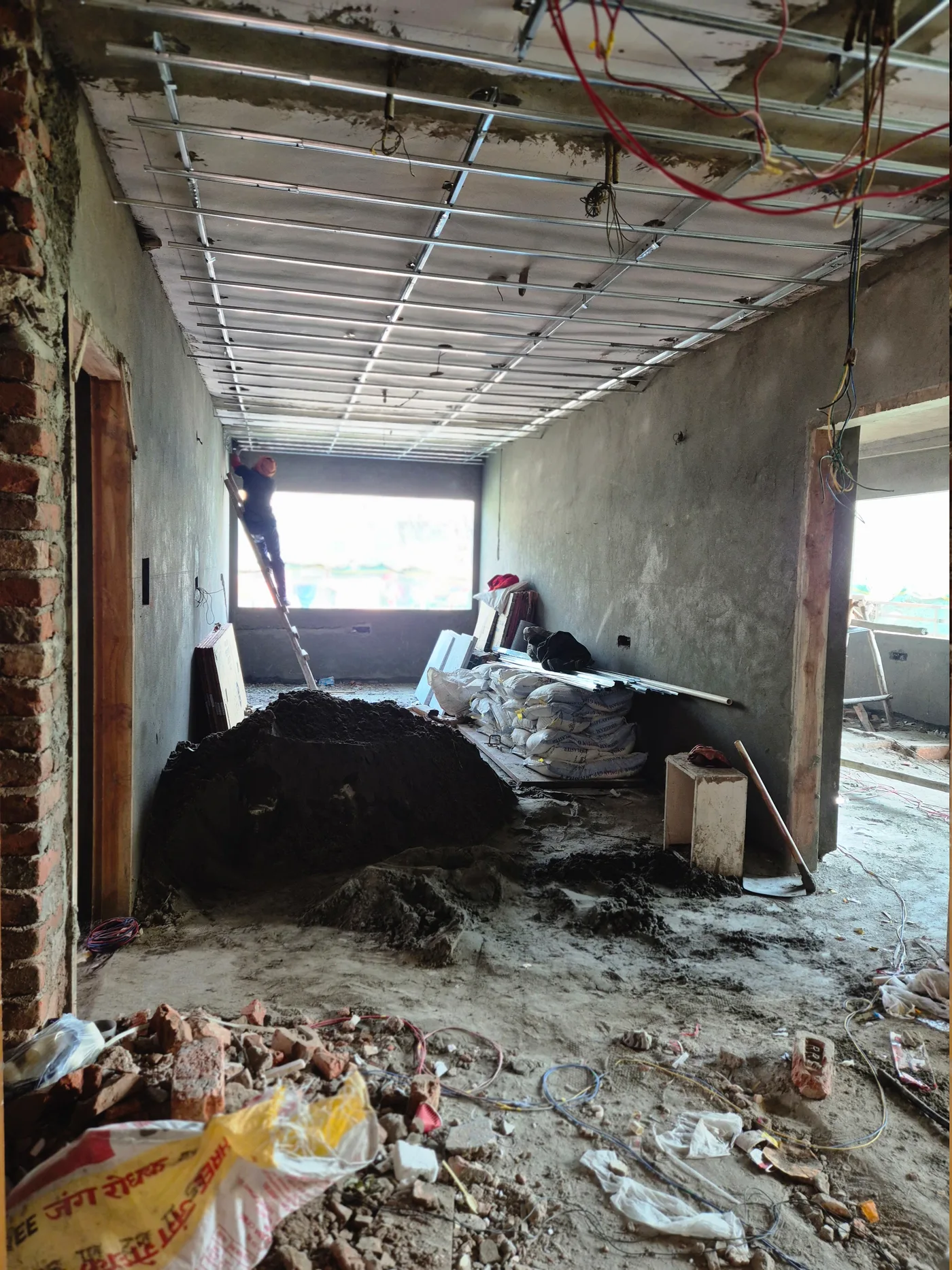
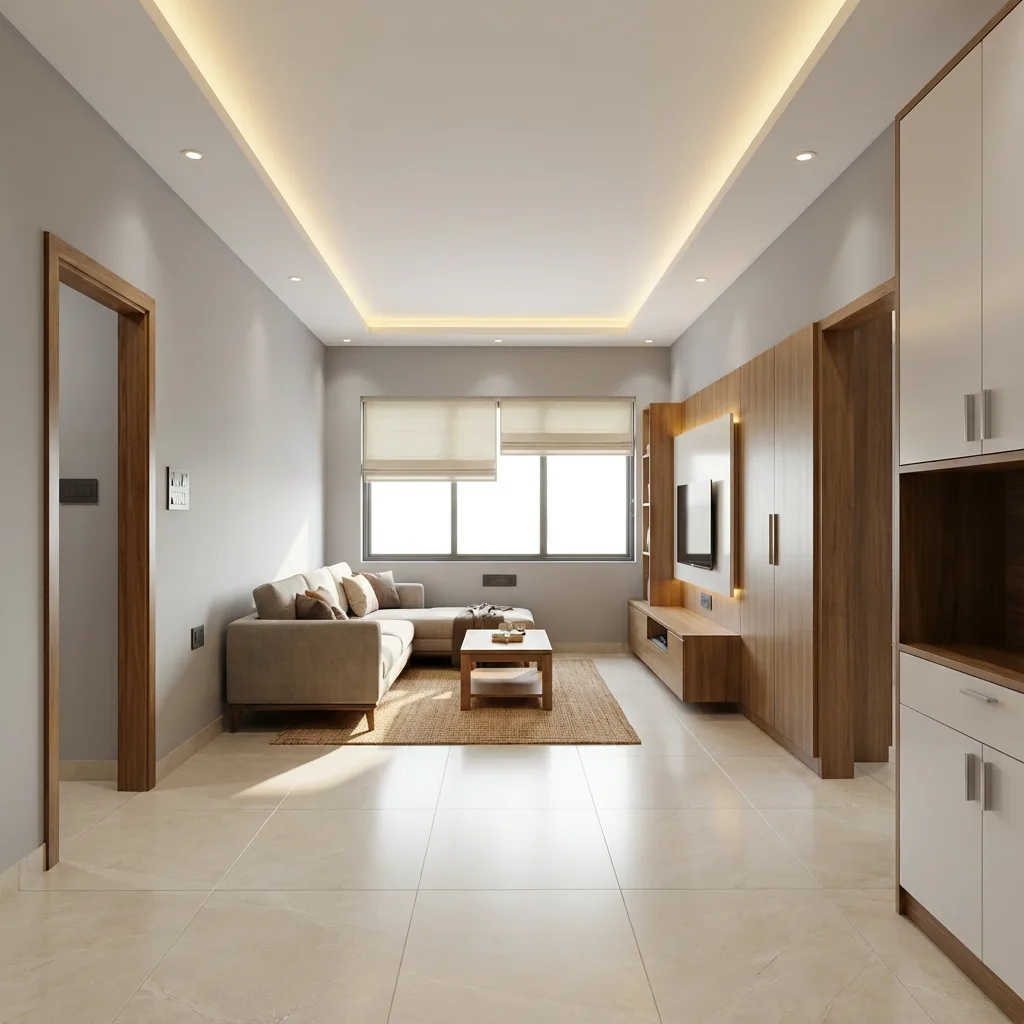
Strong visuals help clients understand faster, especially when finish upgrades are hard to explain in words alone.
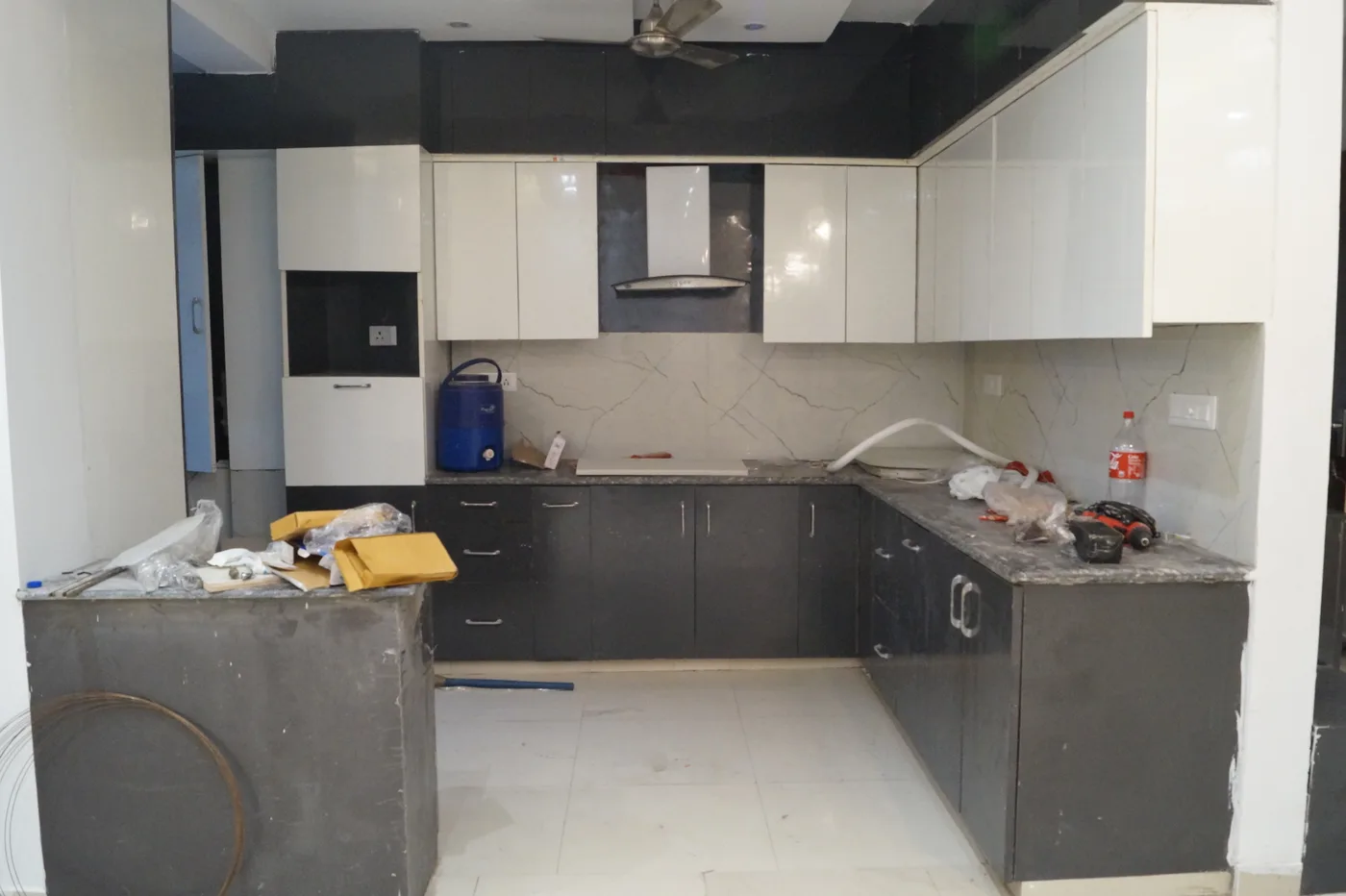
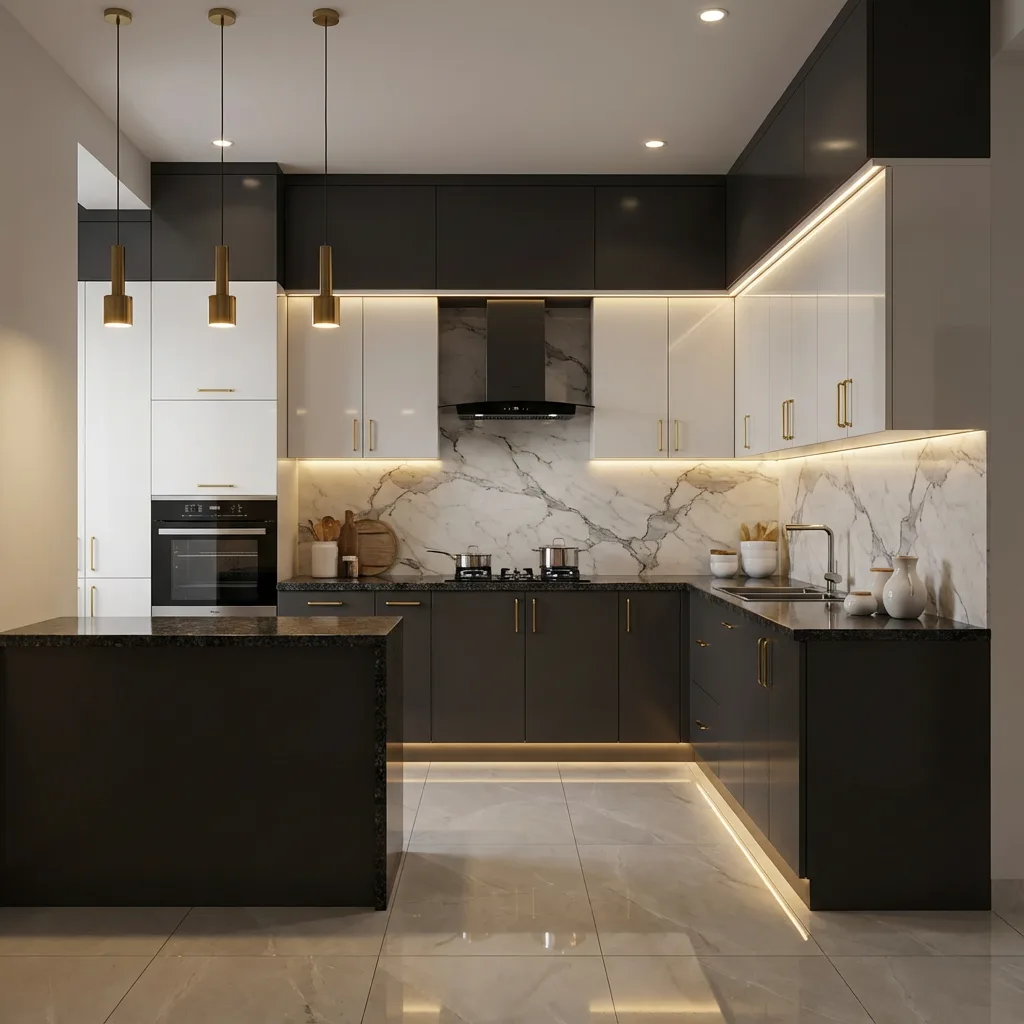
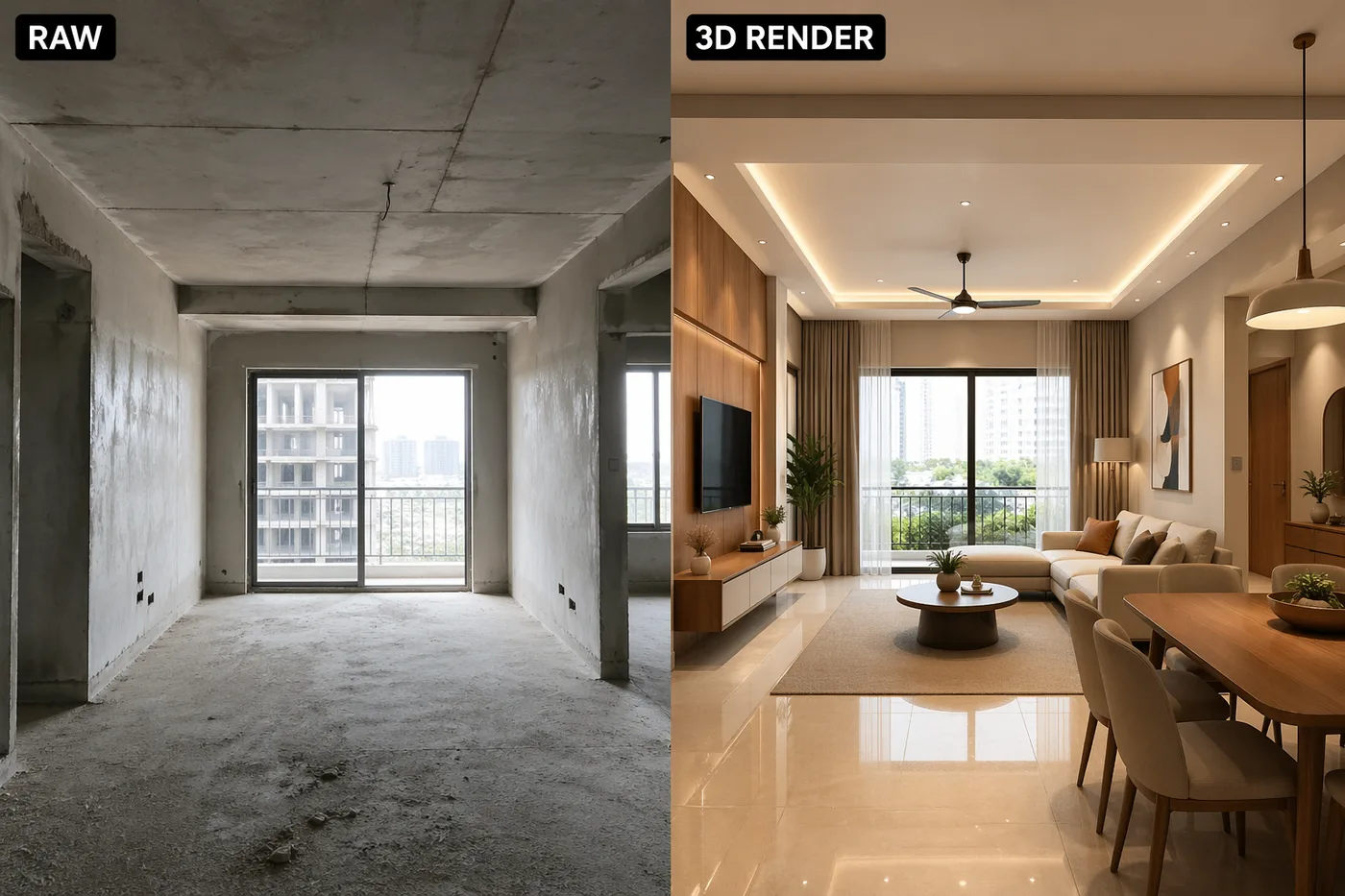
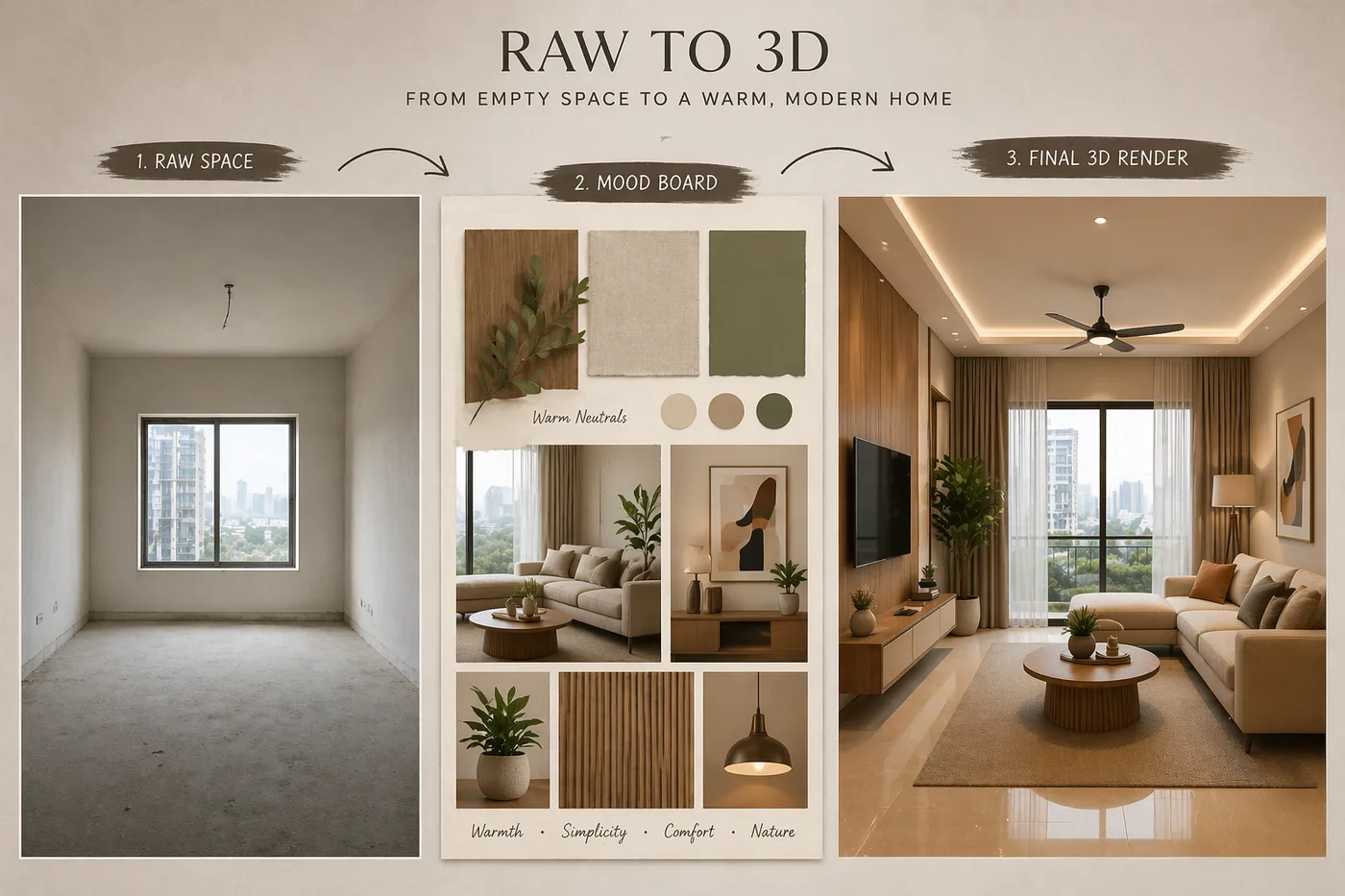
Turn one room photo into a camera-locked interior concept that feels presentation-ready from the first draft.
Guide the output with tiles, furniture, moodboards, or inspiration shots when the client already has a clear direction.
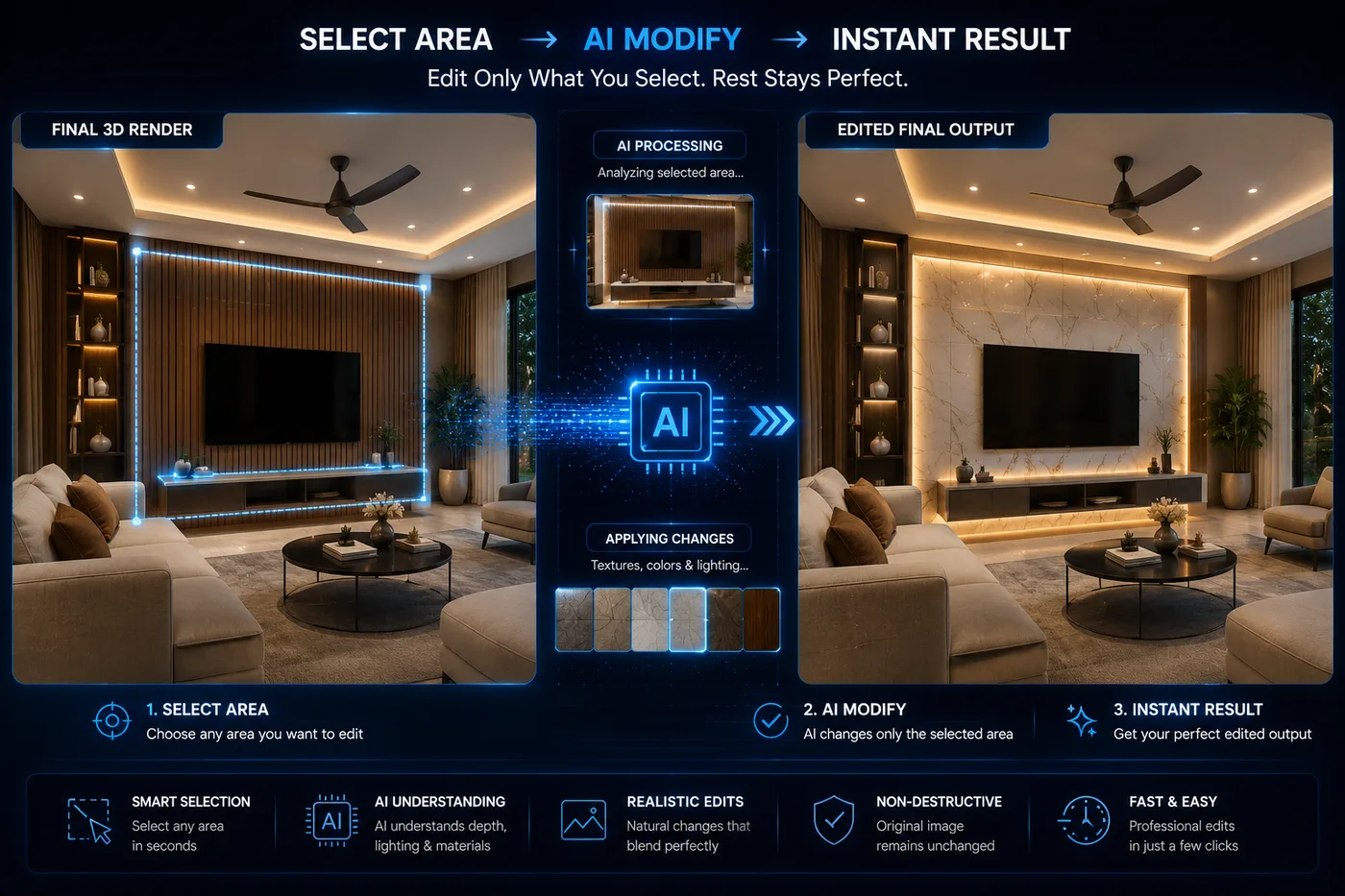
Select an area on a render already in your Design Library and describe the change — the rest of the image stays pixel-identical.
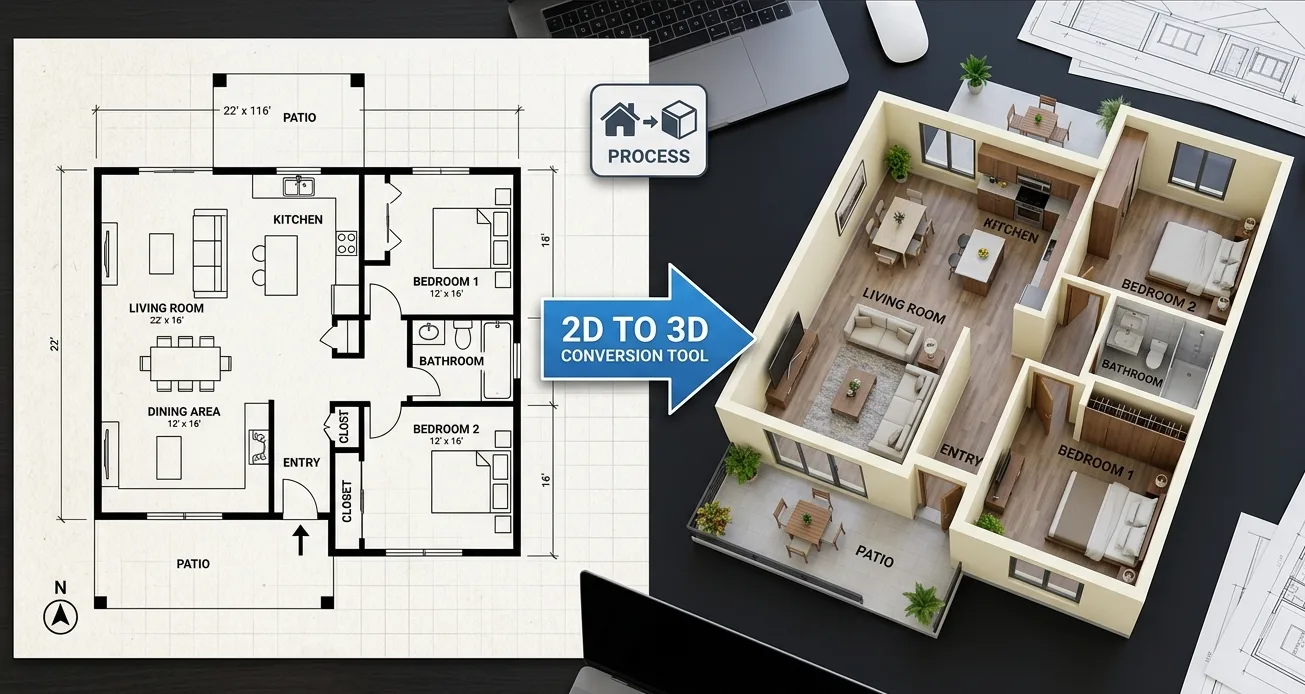
Convert floor plans into furnished top-view concepts that make layout storytelling much easier in early client meetings.
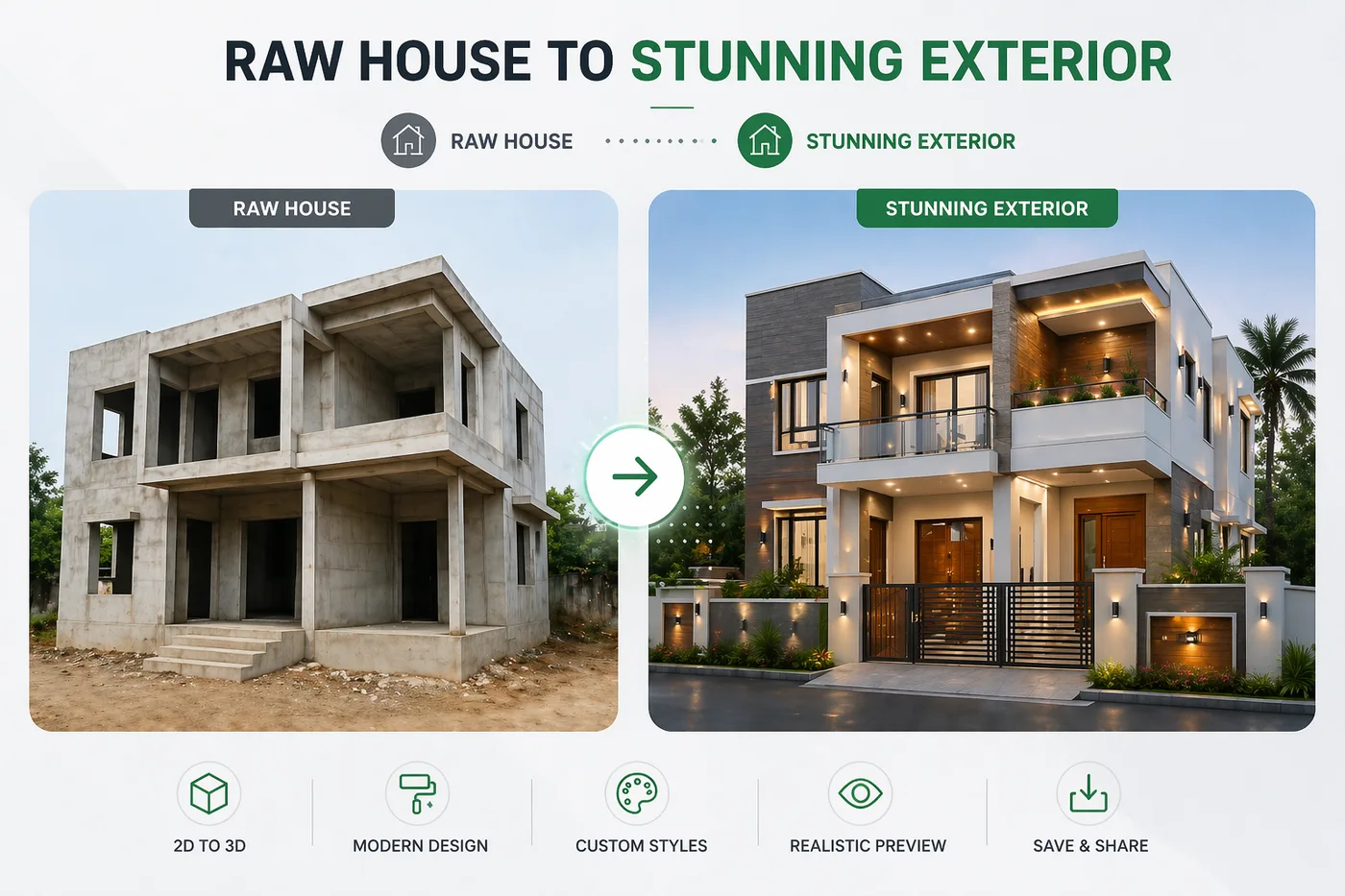
Build premium standalone home facades with style-led elevation concepts, fast refinements, and proposal-ready visuals.
Enter plot dimensions, room needs, setbacks, and parking requirements to prepare editable planning directions before design work begins.
Select a generated render, mark visible products with numbers, and create detail sheets that make furniture, lighting, and finish approvals clearer.
Good design conversations move faster when the client also gets a practical budget direction. This example shows how design and costing can feel connected instead of scattered.
Use this kind of breakdown to guide the client from visual approval toward a clearer budget conversation.
| Line item | Qty / scope | Budget | Premium | Luxury |
|---|---|---|---|---|
| TV unit with paneling | 1 wall set | ₹68,000 | ₹1,08,000 | ₹1,74,000 |
| Sofa and center table | 1 seating set | ₹82,000 | ₹1,46,000 | ₹2,32,000 |
| False ceiling and lighting | Integrated ceiling zone | ₹28,000 | ₹47,000 | ₹79,000 |
| Soft furnishings and decor | Rug, cushions, styling | ₹21,000 | ₹36,000 | ₹64,000 |
| Approx. room total | Before labor / GST | ₹2.32L | ₹3.86L | ₹6.49L |
The goal is not just pricing. The goal is helping the client decide with more confidence.
When visuals and costing support each other, closing becomes much easier.
A won client is only step one. Innterio Project Management keeps the same client and BOQ context alive — from purchase orders and vendor payments to site supervisor attendance and daily labor counts — so nothing gets scattered between office and site.
Contract value, client payments collected, actual spend, and net cash-in-hand for every active site — updated as your team logs work.
Supervisors only see their assigned sites — never office financials.
Same login as your Innterio account — no separate signup.
A strong proposal is not just one beautiful image. It is the feeling of a complete, organized, professional presentation that makes the client take you more seriously.
Start with one strong image so the client immediately feels the direction and quality of your proposal.
When visuals, key notes, and budget direction sit together, the client understands the room much faster.
A clean summary helps the client compare the full scope and makes the next decision feel simpler.
First the client sees believable design direction. Then the discussion moves naturally toward refinements, cost clarity, and a more professional proposal.
Start with a quick visual that helps the client react emotionally before the meeting loses momentum.
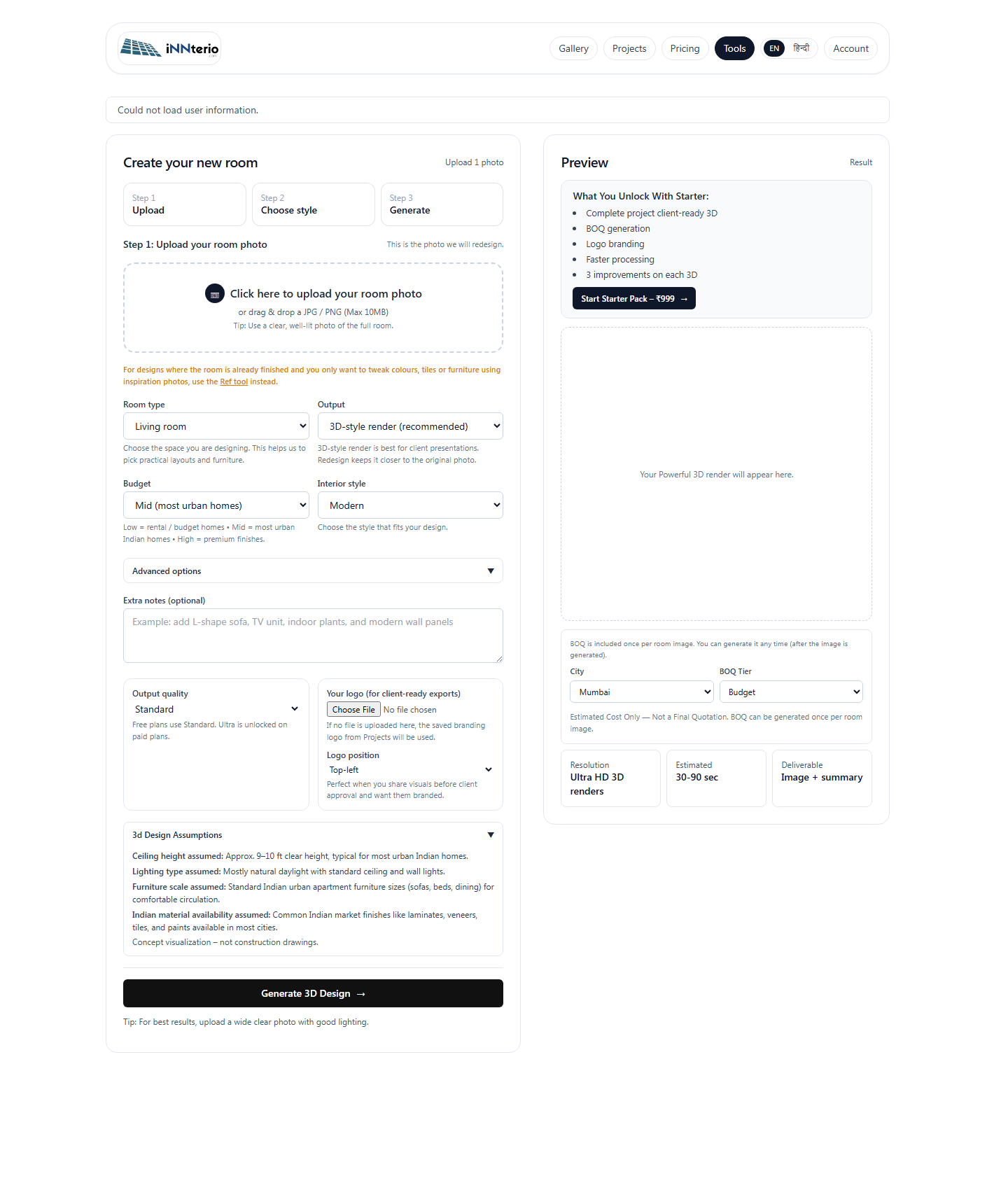
Refine the room direction until the proposal feels clear enough to discuss seriously with the client.
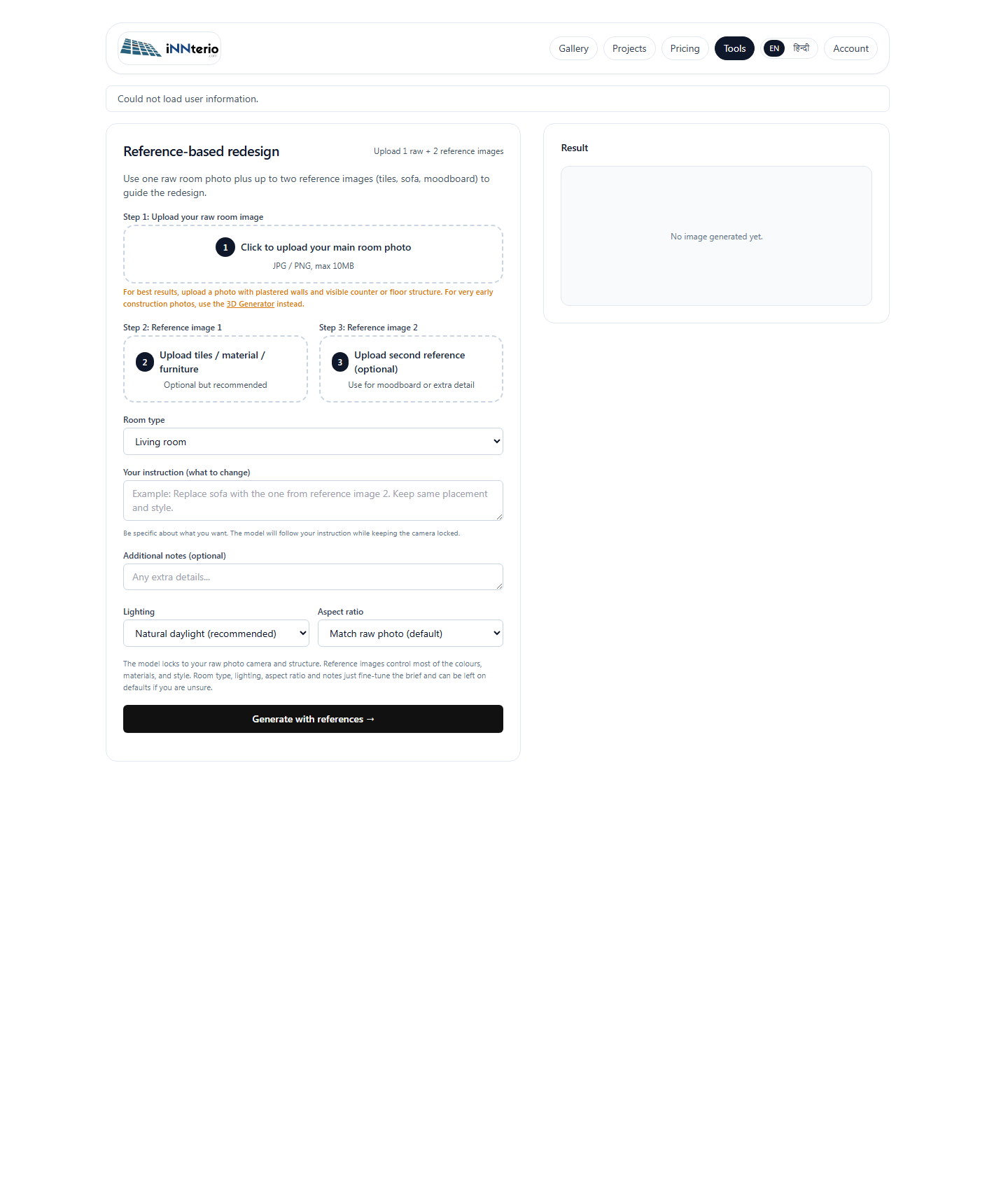
Use references and inspiration to make the final direction feel more personal and easier to accept.
Try your own room photo and see how quickly the conversation can shift from explaining ideas to showing something the client can actually picture.