STEP 1
Upload room image
Use one raw room photo, or use the reference tool with up to two inspiration images.

Generate camera-locked 3D concepts from room photos, guide them with references, build editable BOQs, save rooms inside client projects, and deliver a branded presentation your client can review room by room.
From first visual to final BOQ and presentation, the full client handoff stays in one workflow.
For interior designers, contractors, architects, and builders who want better client closing, faster design approvals, live product updates, and serious project-ready inspiration.
If your day goes into manual design prep, delayed estimates, scattered room options, and weak client handoff, momentum is lost before approval happens.
Simple workflow for contractors, designers, and sales-led project teams. No training needed.
Use one raw room photo, or use the reference tool with up to two inspiration images.
Choose style direction, improve the image up to 3 times, and generate BOQ by budget and location.
Save final rooms into a project, edit BOQ if needed, and create a branded client presentation with grand total.
One workspace from raw room photo to plot layout, product specs, and quick image touch-ups — before the project even moves into execution.
Client-ready room redesign from one photo.
Guide output with moodboards, products, references.
Prompt-edit any saved render, area by area.
Floor plans turned into furnished concepts.
Facade concepts for exterior proposals.
Concept layouts from plot size and setbacks.
Mark render items into client-ready spec sheets.
Keep this landing page simple: show a few believable transformations and one clean sample budget direction before asking them to try the tool.
From unfinished site photo to a warmer, easier-to-approve concept.
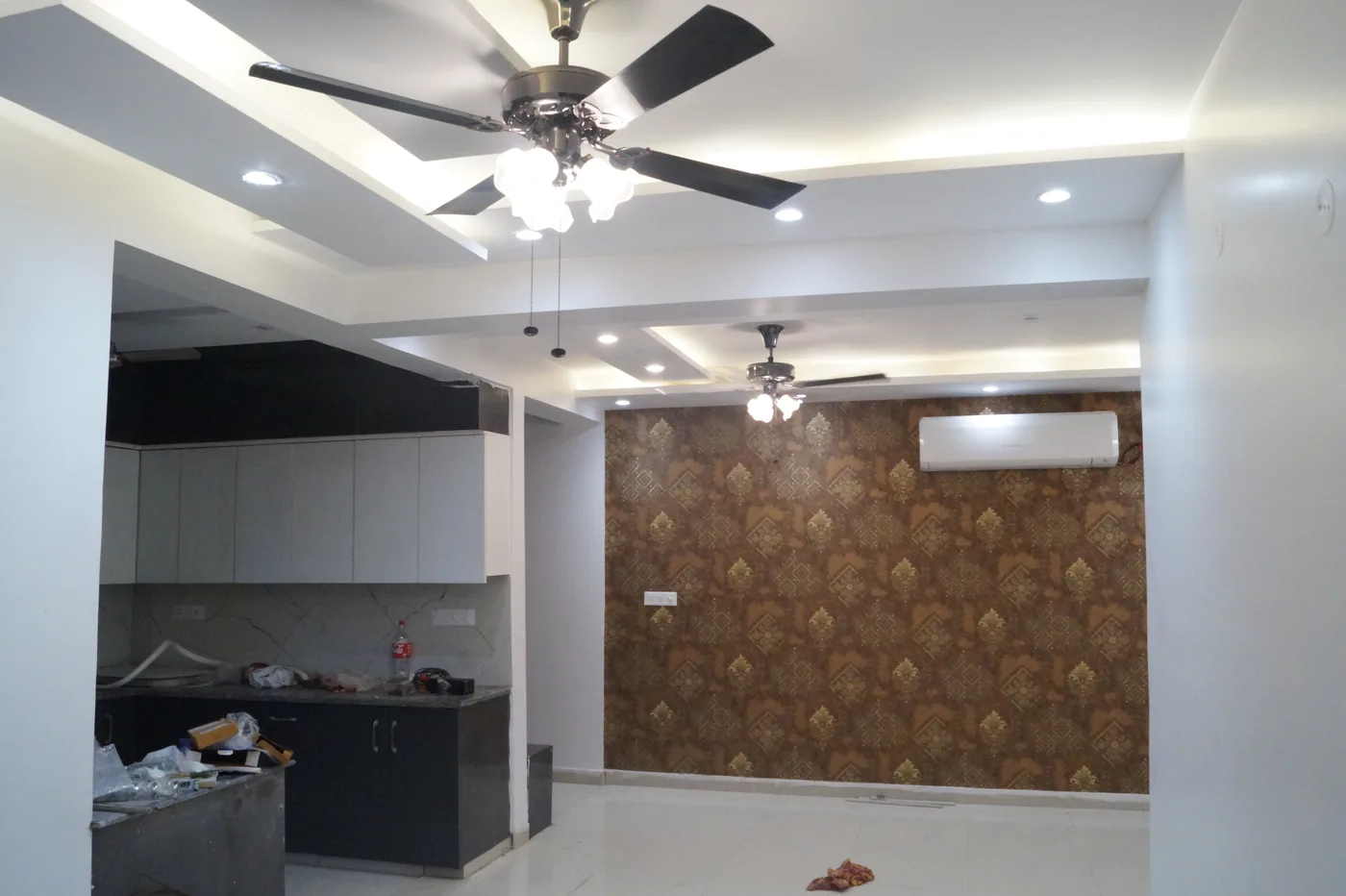
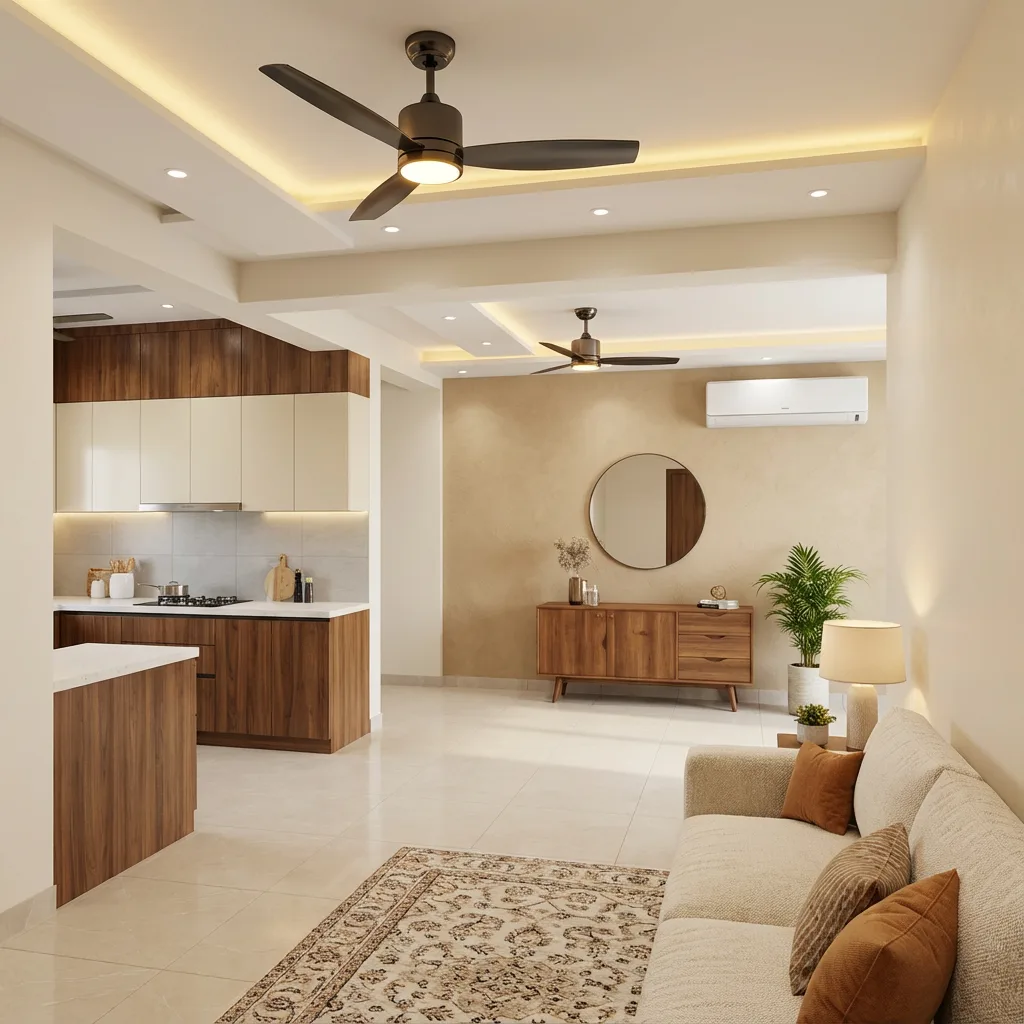
Use visuals like this when the client struggles to imagine the finished room.
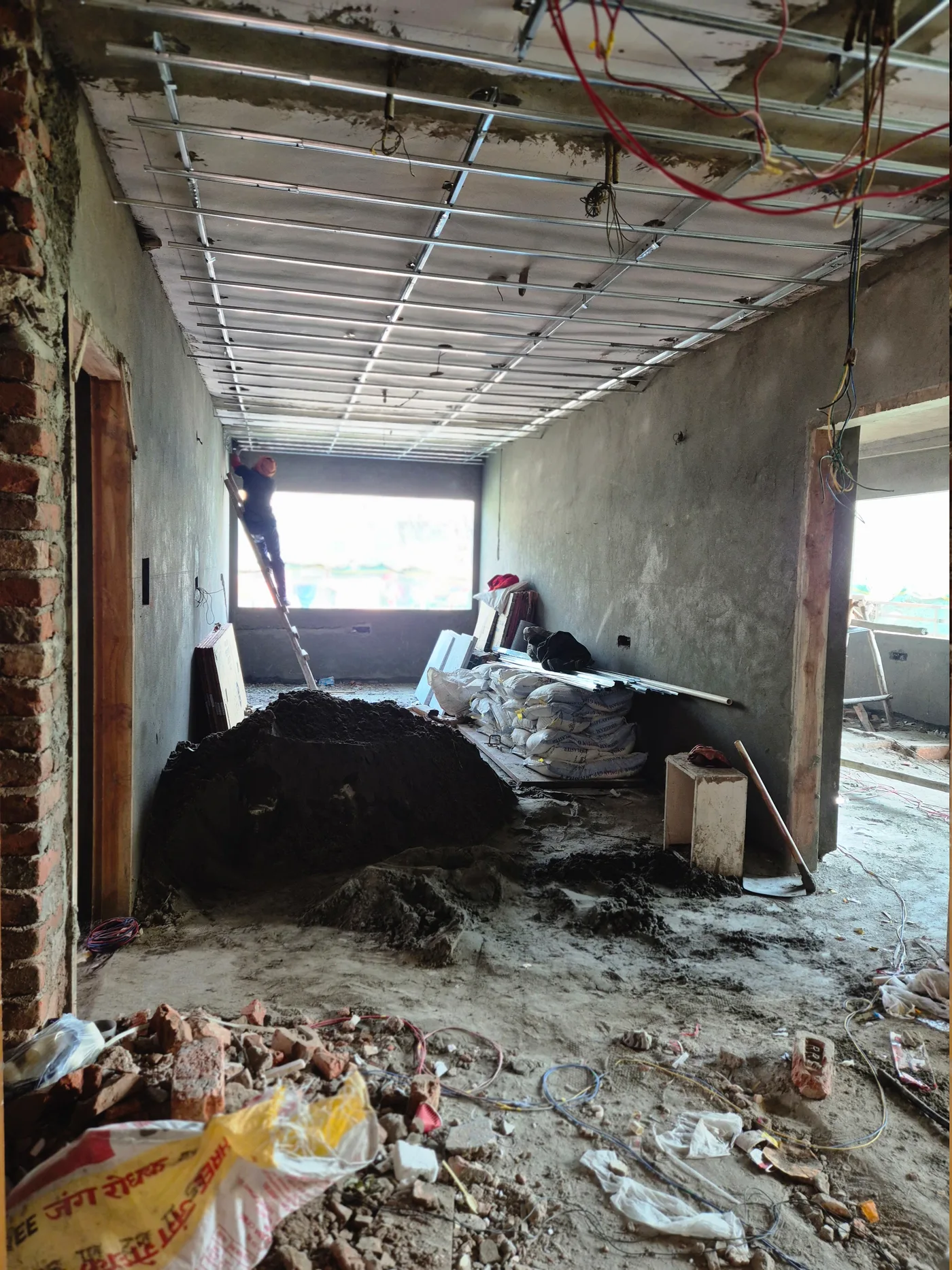
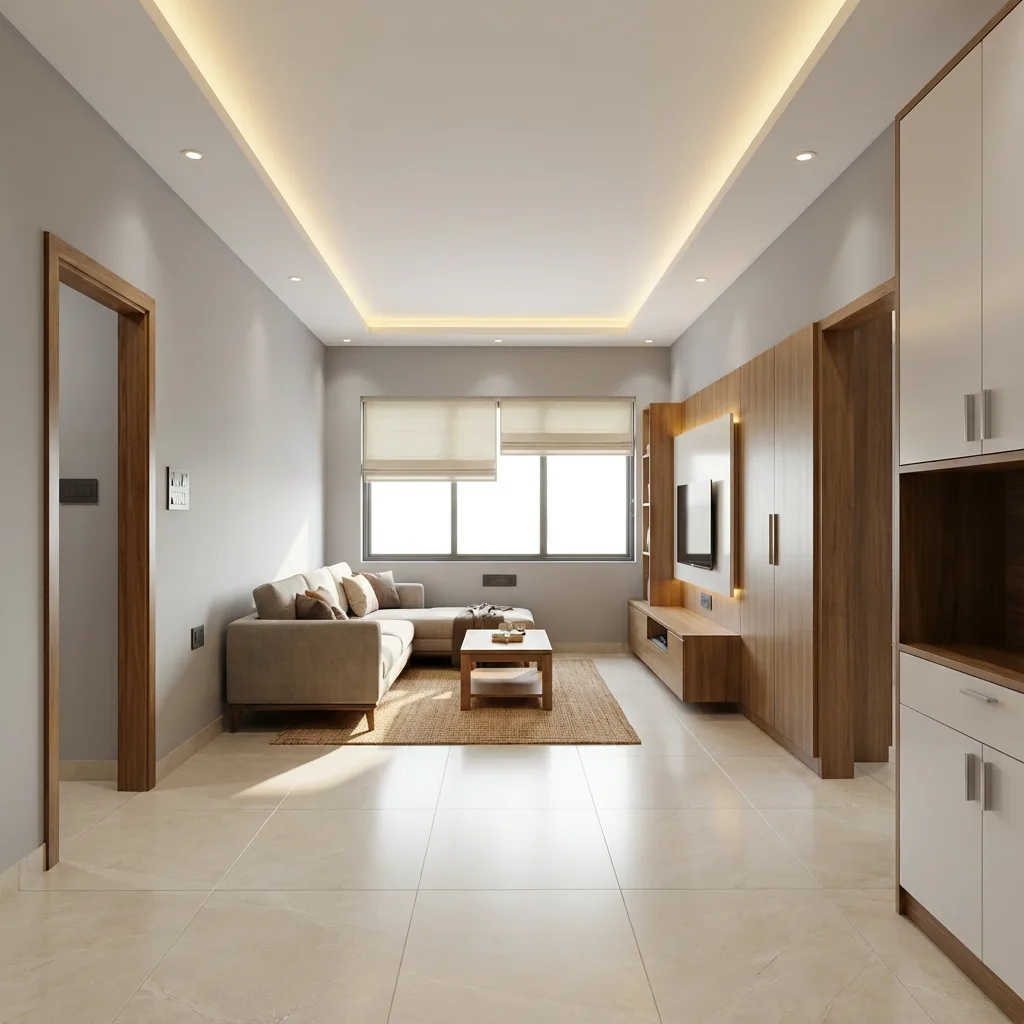
Useful when the proposal needs a more premium feel without long explanation.
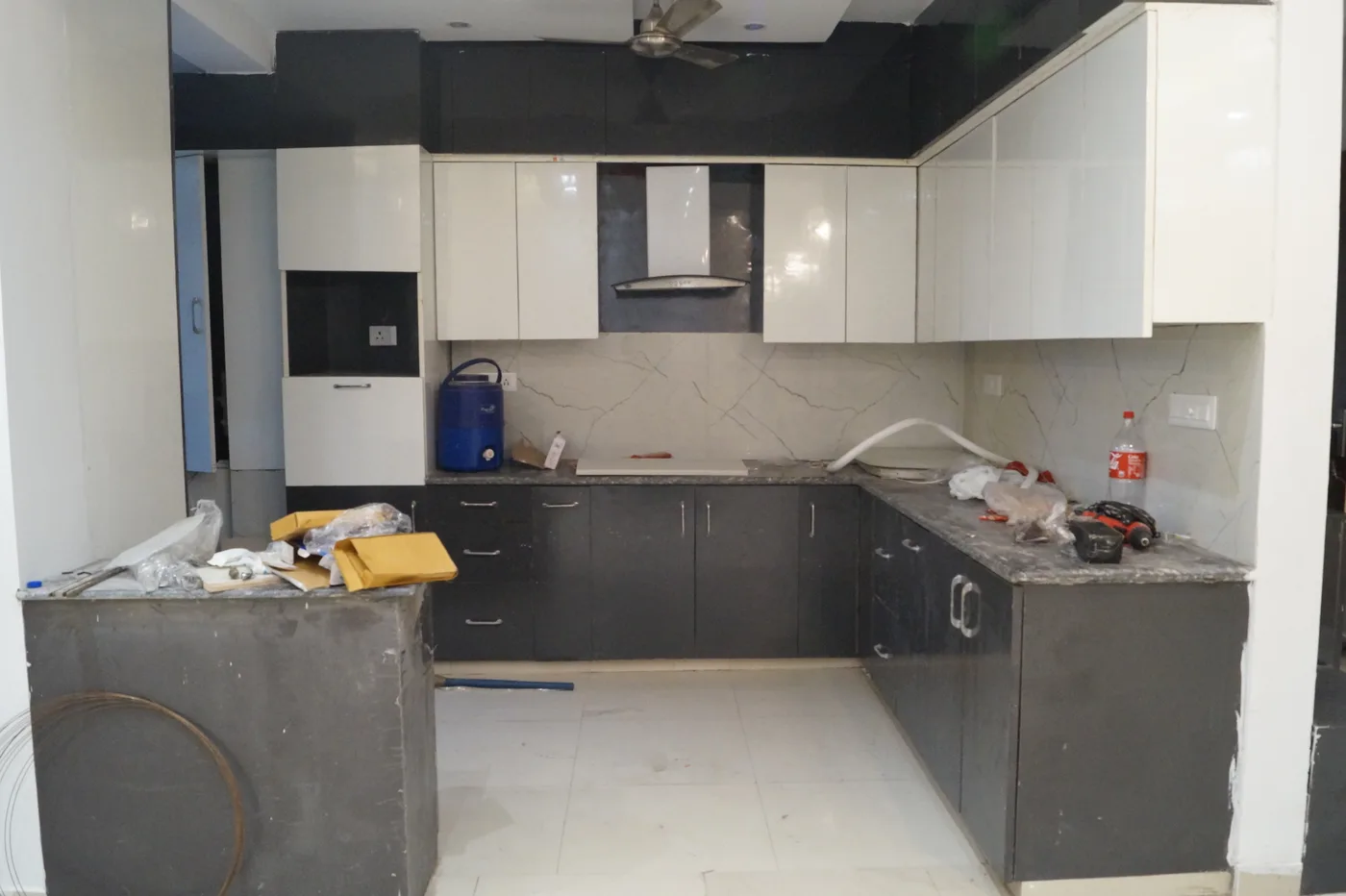
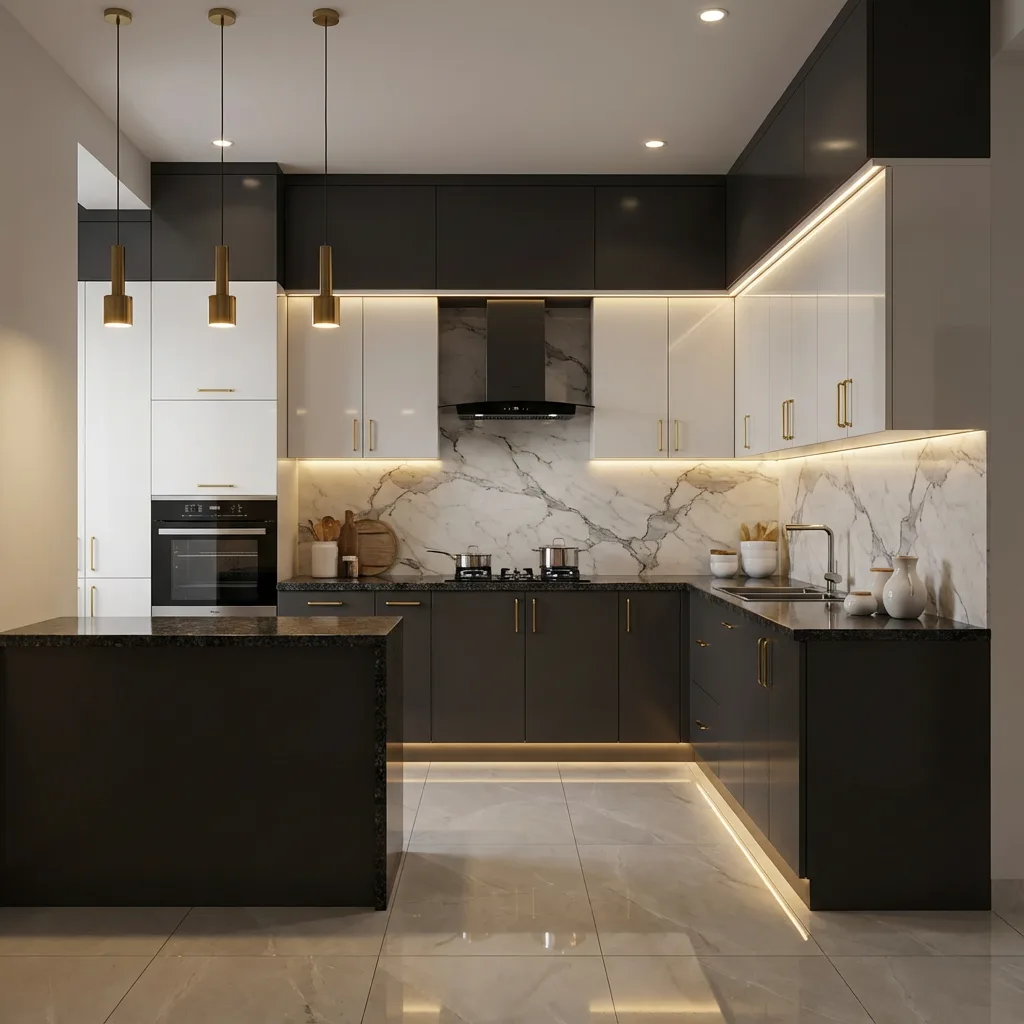
Give visitors a quick feel for how visuals and costing stay connected in the paid workflow.
| Line item | Scope | Budget | Premium |
|---|---|---|---|
| TV unit + paneling | 1 wall set | ₹68,000 | ₹1,08,000 |
| Sofa + center table | 1 seating set | ₹82,000 | ₹1,46,000 |
| False ceiling + lighting | Main ceiling zone | ₹28,000 | ₹47,000 |
| Approx. room total | Before labor / GST | ₹2.32L | ₹3.86L |
A won bid is only step one. Innterio Project Management keeps the same client and BOQ context alive — purchase orders, vendor payments, site supervisor attendance, and labor counts in one place — so nothing falls through between office and site.
The preview gets users started. Paid workflow is where delivery becomes client-ready — and stays organized straight through execution.
Stop sending scattered files. Start sending client-ready project presentations.